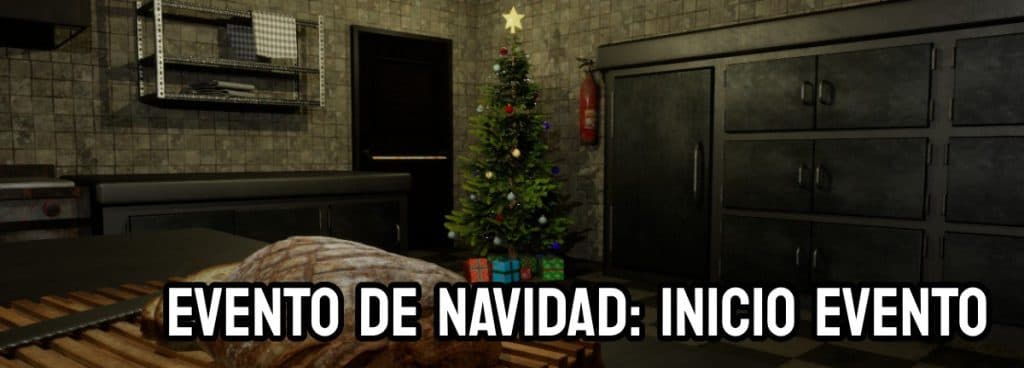

Hello, Prisoners, and Happy New Year!
We’ve finally resolved the issue that forced us to postpone the event and was preventing the client from launching on some machines.
So, as planned, with the arrival of this announcement, we’re kicking off the 2024 Christmas Event!
We recommend that before downloading the client, you read this entire blog post carefully to avoid any confusion and prevent unnecessary questions that are answered below.
Downloading and Launching the Game Client
Downloading the Client
You can download the game launcher at the following link:
Download Launcher
User
Account To access the IMPRISONED server, you must have an active account at https://forum.playimprisoned.com.
The credentials you must use in the game are the same as those for the forum. You can use either your username or your email address, along with the same password.
The Event
As we mentioned in previous posts, you can complete the following tasks:
Collect the 16 billiard balls:
- You can find the gifts that appear randomly throughout the prison and in any of the scenarios. The gifts contain billiard balls; there are a total of 16 different balls. You must find them all to complete the challenge. Depending on the rarity of the gift, you will find different types of balls. Once the event is over, we’ll publish a leaderboard of the top 15 players to achieve this. To make the leaderboard, you’ll need to post a screenshot on the forum showing all 16 billiard balls. You can post your screenshot at https://forum.playimprisoned.com/t/ranking-bolas-de-billar-evento-de-navidad-2024/876
Defeat Incognito Santa:
- An Incognito Santa has appeared, and you must defeat him. To do so, you’ll need some good allies. A juicy loot is waiting for you!
Test Your Progress:
- One of the goals of these events is to give you the chance to try out all the progress made so far from time to time.
News
We’ve been working hard on the project for many days now, and there’s more news since the last time we communicated with you. To check out previous updates, please see the previous blog post.
- We’ve updated the loot dropped by Bots so they give more food, allowing us to do away with the “Ivan” Bot we mentioned in the previous blog post. You’ll only be able to find one in the Newbie Courtyard.
- Now, in some trash cans, you’ll find Christmas Cakes to supplement the food your character needs to heal. This means you’ll have to spend some time searching through trash cans. It’s a temporary measure until you can cook and prepare food.
- A ping info bar and a bar showing your character’s health have been added to the chat window.
- The new "Entrance Courtyard" area has been added. Those of you who contributed your photo can find an informational sign there to check out and see the details.
- Now, the bodies of those killed in combat have an owner. The player who deals the most damage to that bot will claim the body’s contents. It will be exclusive to the owner for 30 seconds; after that time, anyone can loot the body.
- The positions of several cameras have been improved for better navigation.
Basic Instructions
Chat
To use the chat, press the Enter key.
- You can use the /help command to view the available commands.
The Inventory
- You can open the inventory by clicking the button on the top bar of the game or by pressing the "I" key.
- You have a limit of 200 items per slot.
- The inventory is unlimited for now.
- You can move items to any slot you want or combine items by dragging them with the mouse.
- To use an item from the inventory, double-click on the item you want to use (for now, only food).
- Currently, you cannot destroy items or transfer them to another bot or player.
Combat
- For now, you can’t use weapons or healing items yet. Your fists will be your best ally.
Moving around the prison
- Movement is done via "Point and Click" using the mouse. Click on the location where you want to go.
- Walk = 1 click
- Run = Double-click
Troubleshooting for potential issues when launching the client
Required libraries:
If you don’t have the libraries needed to launch the client, you’ll likely need to download and install them. Below are links to the required libraries.
- DirectX = https://download.microsoft.com/download/1/7/1/1718CCC4-6315-4D8E-9543-8E28A4E18C4C/dxwebsetup.exe
- Microsoft Visual C++ Runtime = https://aka.ms/vs/17/release/vc_redist.x64.exe
- .NET 6.0 Runtime = https://dotnet.microsoft.com/en-us/download/dotnet/thank-you/runtime-6.0.36-windows-x64-installer
Windows Security Message:
If this message appears when you launch the client for the first time, click "More info" and then the "Run anyway" button.


On behalf of the Team, I wanted to convey our most sincere thanks for continuing to support the IMPRISONED project and for encouraging and supporting us every day.
The project began as a simple idea to revive the game that brought us so many hours of fun. And after bringing together a group of brave, capable people willing to take on this titanic task of reviving The Prison, we set out to build something from scratch.
Today you can try out the results of all the progress we’ve made so far, and we hope you like them.
Thank you so much for participating!
The IMPRISONED Team
COMMENTS
No comments yet
You need to be signed in to comment.
Sign inNo signals back yet. Be the first to break the silence.